Before Event

Before Event

01

Place QR at Event

Place QR at Event

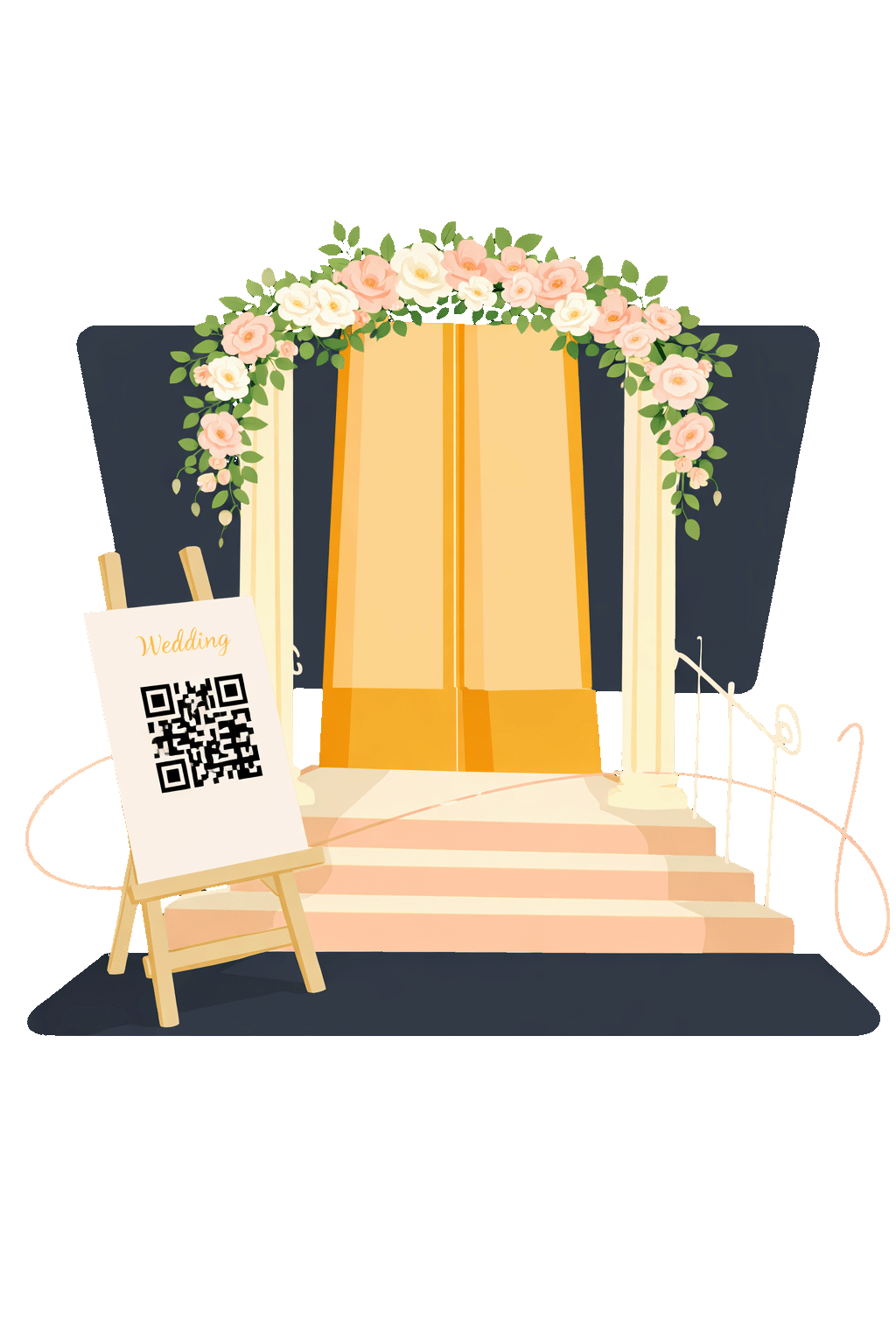
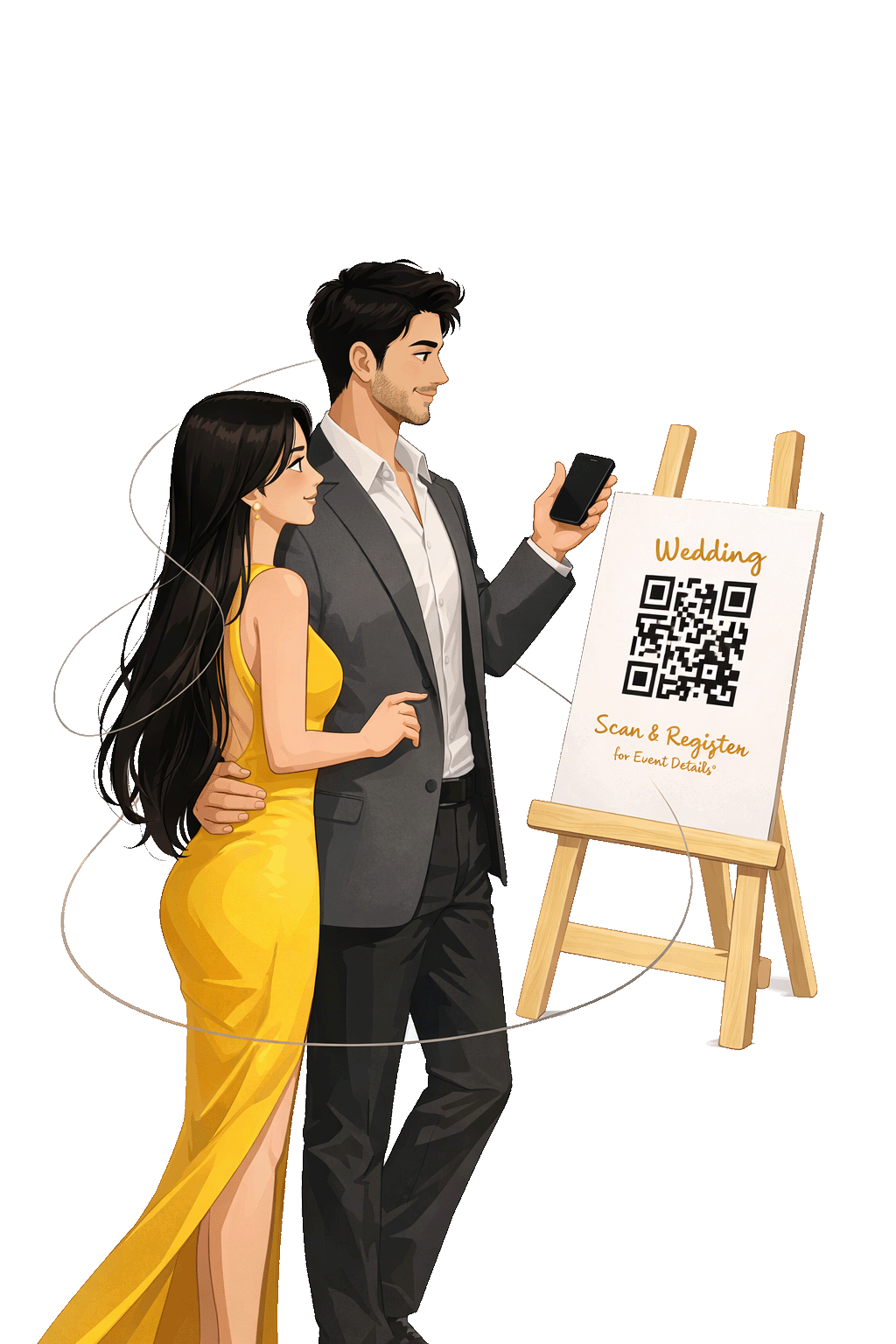
Display a QR code at the event so guests can easily access the photo album on their phones.

Read Step Details

Place a Snaptide QR code at the event venue so guests can access the photo experience instantly. Guests simply scan the QR using their phone camera, which takes them directly to Snaptide’s secure access page, removing the need for manual links or instructions.
02

Guests Scan QR & Register

Guests Scan QR and Register

Guests scan the QR code and register once to securely access the event photo album.

Read Step Details

Guests scan the QR code and complete a quick registration to begin. This step verifies access and links each guest to their private photo experience. Registration is simple and secure, ensuring only invited guests can proceed to upload a selfie and view their photos.

03

Upload Photos & Publish

Upload Photos and Publish

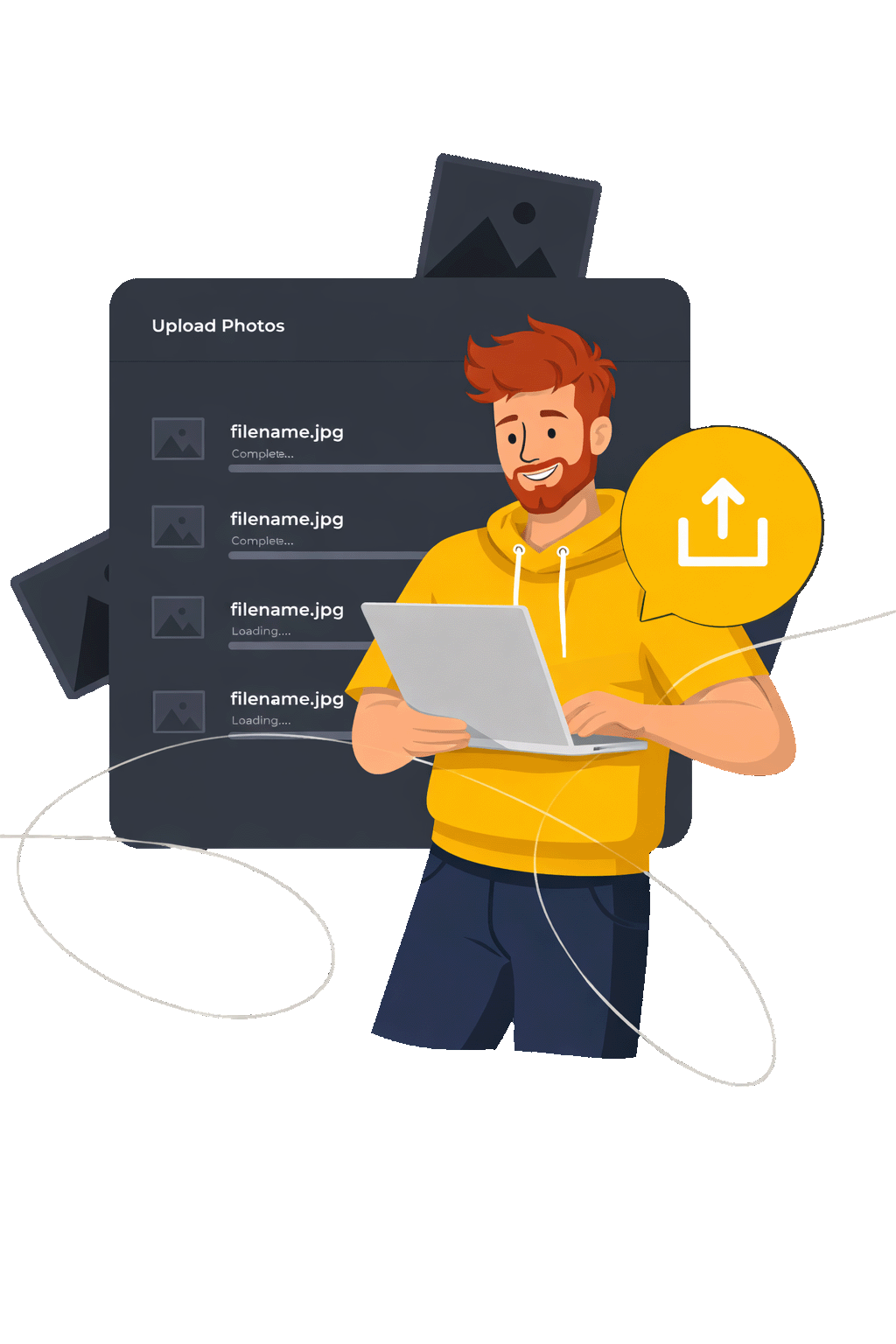
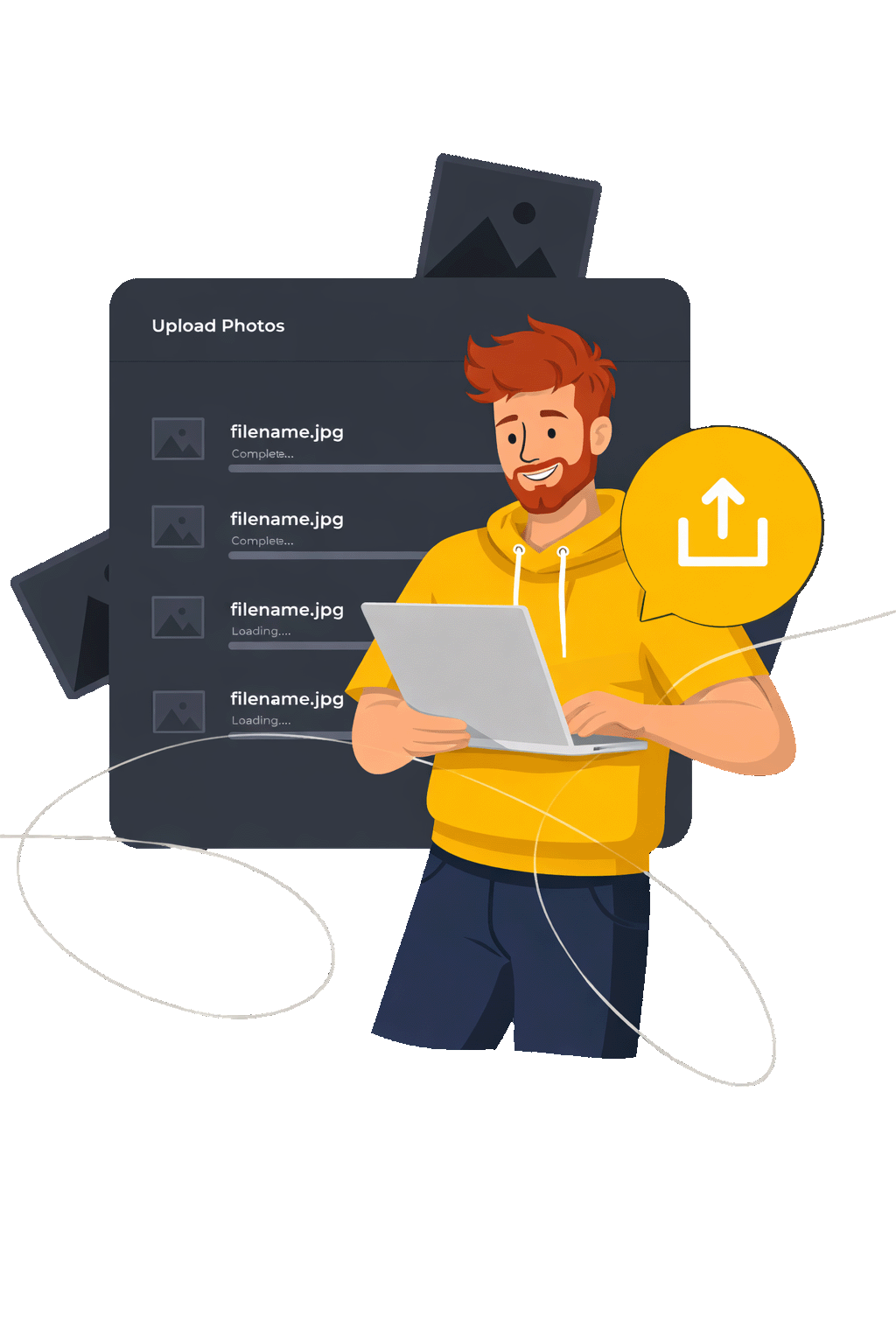
Upload photos and publish them to the event album so guests can view and download them.

Read Step Details

Upload event photos to Snaptide and publish the album when ready. Snaptide processes the images in the background and prepares them for AI-based discovery. Once published, the album becomes available for guests to securely access and receive their photos without any manual sorting or sharing.

04

Guests Get Photos

Guests Get Photos

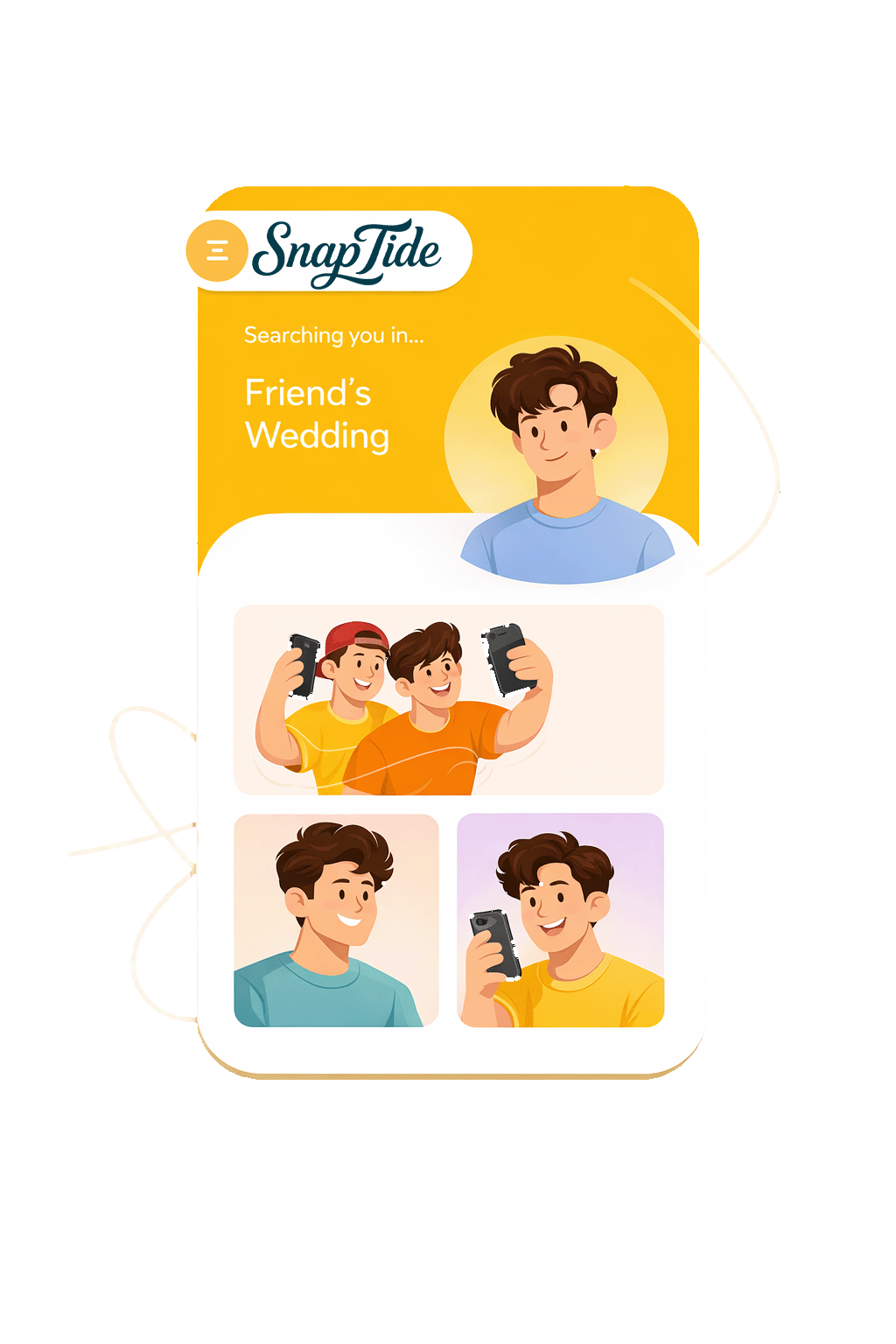
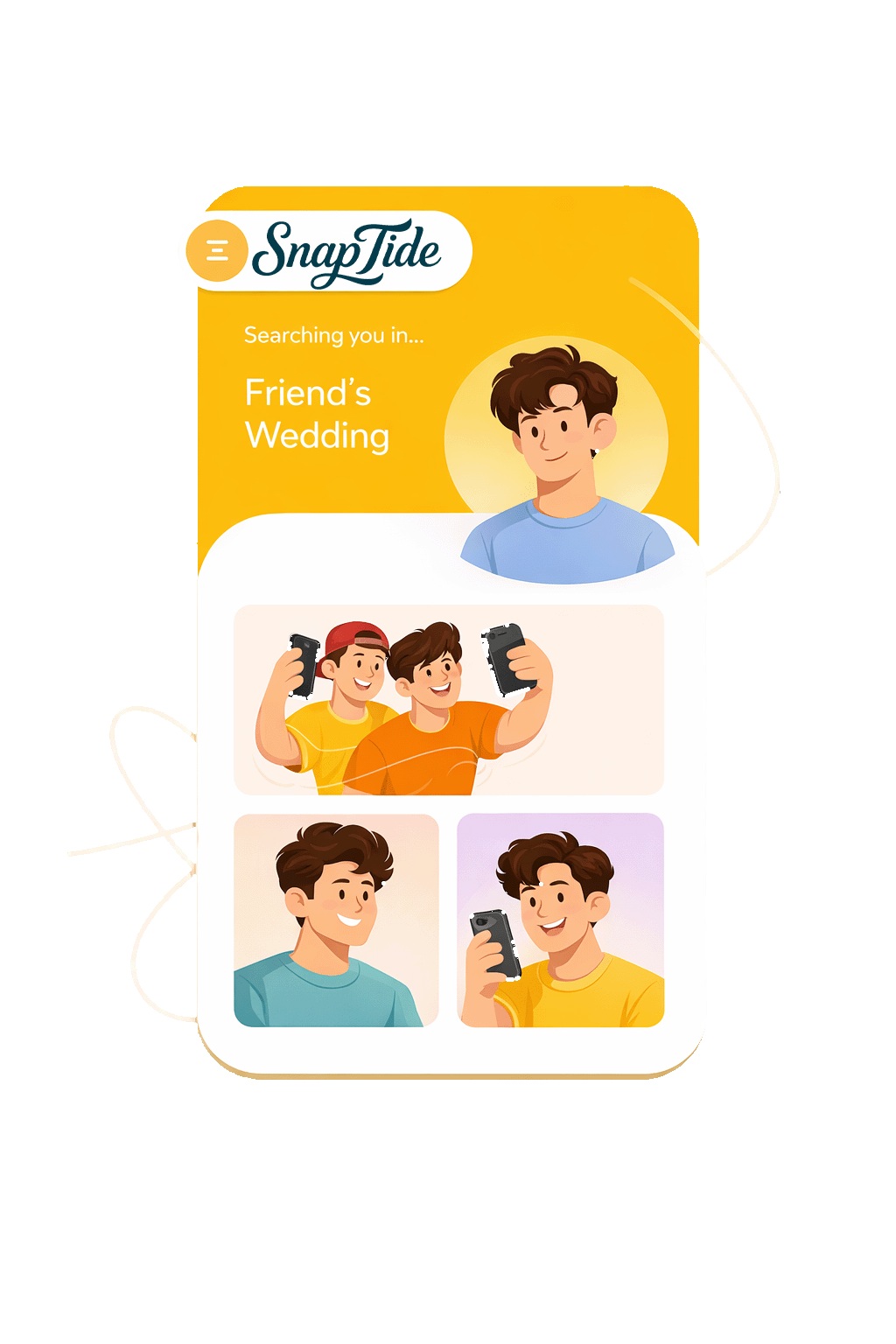
Snaptide uses AI to automatically find and show each guest their photos in a private album.

Read Step Details

Snaptide uses AI to automatically find and present each guest with their photos from the event. Guests can view and download their images from a private album on any device, without browsing through hundreds of unrelated photos or waiting for manual sorting.

After Event

After Event

01

Upload Photos

Upload Photos

Upload large photo albums in one go. Designed for events and big collections.

Read Step Details

Upload photos easily using Snaptide’s web interface, designed for large event albums. Add thousands of images in one go and organize them into a single event album. Snaptide handles the processing in the background so you can publish and share photos without delays or complexity.

02

Share Private Link

Share Private Link

Share a single private link with your guests. No app or login required.

Read Step Details

Share a private link with your guests that takes them to Snaptide’s secure access page. Guests upload a selfie once, and Snaptide uses AI to identify their photos. This ensures each guest sees only their own photos, keeping the event album private and personal.

03

Guests Upload their Selfie

Guests Upload their Selfie

Guests quickly find and download their photos using simple face search.

Read Step Details

Guests upload a single selfie to help Snaptide identify their photos. The selfie is used only to find matching images from the event and is not shared with anyone else. This makes photo discovery faster while keeping every guest’s experience private and secure.

04

Guests Get Photos

Guests Get Photos

Snaptide uses AI to automatically find and show each guest their photos in a private album.

Read Step Details

Snaptide uses AI to automatically find and present each guest with their photos from the event. Guests can view and download their images from a private album on any device, without browsing through hundreds of unrelated photos or waiting for manual sorting.

Newsletter Subscription